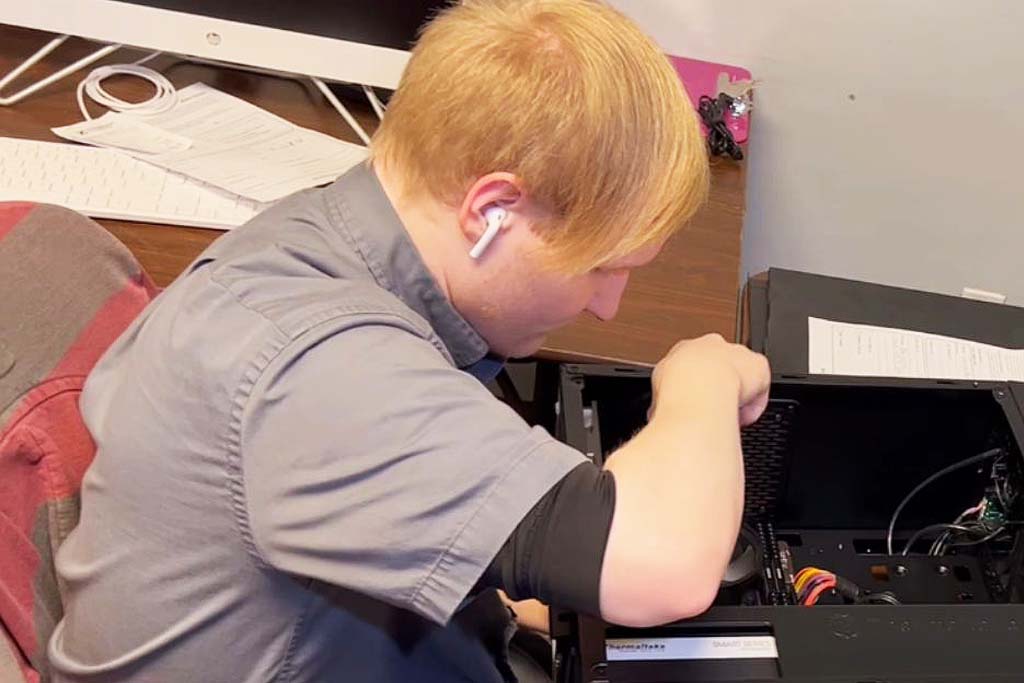
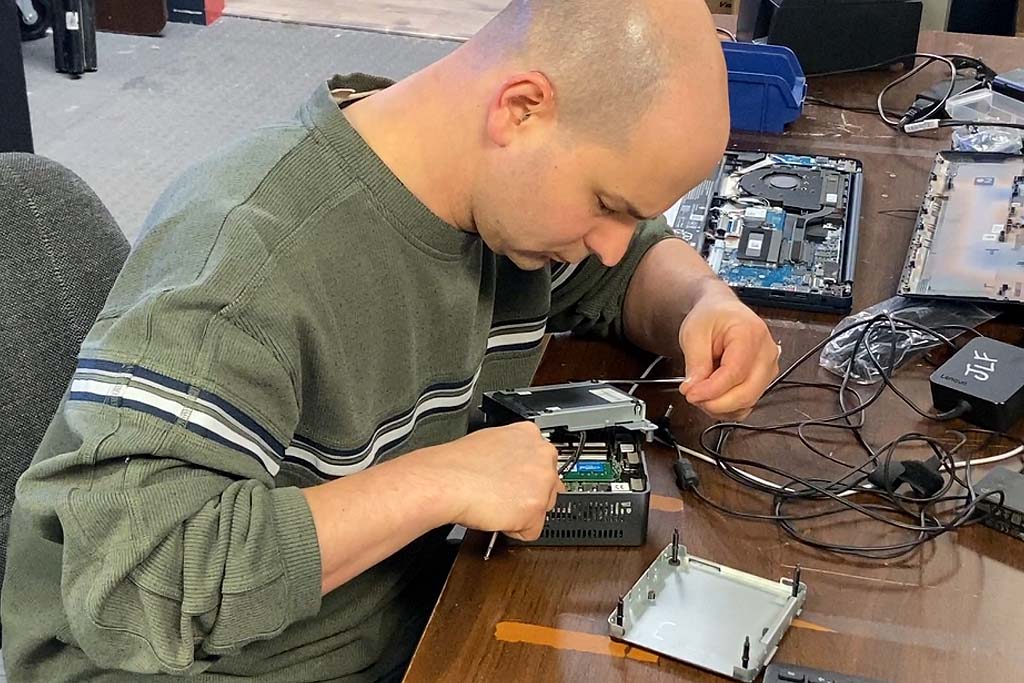
We respond to emergency requests ahead of all else. If something critical to your operations isn’t working, let us know you need an emergency response.
Maintenance Services
Proactive is always preferred and less expensive. This gives us a chance to notice things before they turn into an emergency.
Hardware and Equipment
Need a specific part or piece of equipment? We can order you what you need. Call today (330-259-7278) to find out more.
We treat you differently.
We do very little in the traditional sense.
Since we put your interests ahead of our own, we don’t automatically include ourselves, always as the best option. If it happens that another provider of a service does something better than we can, we’ll shop the other provider. Customers can share information with us they might be reluctant to share with other providers. We had a customer say, “I have $1,400 to spend on a new setup, can you help me?” To his amazement, our solution ended up being $849. (He fully expected it to come in at $1399.99)
The truth is the truth. And selling to us, is being truthful with you and you being truthful with us. Truth should never be a disadvantage or a vulnerability. We are at our best when we can openly share and inform, in both directions.
Our operations are very methodical and scientific. We have a very deliberate process we take projects through.
Step 1.) Preparation – We first prep for a project by gathering information about what the project entails. If there are variables that are difficult, we want to know about them from the very start. In this first stage, we are looking to have a grasp on the time the project will take. The materials that will be required and you blessing to get started.
Step 2.) Execute – Next it’s time to execute. Getting the job done within the time prescribed, with the materials approved. Because of our process, we eliminate 90% of a project’s tendency to take longer or cost more than expected. So, if anything looks like it will be different than what was expected, we’ll give you the options as they present themselves.
Step 3.) Audit – We check with you at the end of the service to make sure we’ve achieved our goal.
Next Steps…
Get started by booking an appointment now. (Note: meetings, quoting or calls are all paid, scheduled events – please schedule your meetings or quoting requests just like any other paid service call)